LG TV games without a console: party games on webOS with your phone as the controller
BuzzinTV is now in the LG Content Store: a game show on the big screen, phones as buzzers, nothing for guests to install. We also check how Jackbox, Netflix and cloud gaming really work on an LG, and which model year you need for each.
You own an LG, the Magic Remote is on the sofa and so are five people, and the only thing the TV suggests for tonight is another series. The Game category in the LG Content Store has been there for years, but for most of that time it was solitaire and Tetris clones, one player and a remote. A party needs the opposite: everybody looking at one screen, everybody holding their own button.
This guide covers what you can genuinely start on an LG webOS TV without a console: BuzzinTV, which arrived in the Content Store in September 2026, Jackbox through the cloud, the Jackbox games inside Netflix, and the routes that still work on older sets. For each one we say which model year it needs and what the phones do.
What an LG can do for a party: four routes
Seen from the sofa, an LG TV has four doors for games. The first is the LG Content Store, the webOS app store: whatever you install there sits in the app bar next to Netflix and YouTube. The second is Netflix games, which live inside the Netflix app on newer TVs and are controlled with phones. The third is cloud gaming apps (Xbox, GeForce NOW, Amazon Luna, Blacknut) that stream a game from a server and expect a gamepad. The fourth is everything that is not an app: Chromecast built-in on recent models, the webOS browser, and the HDMI port.
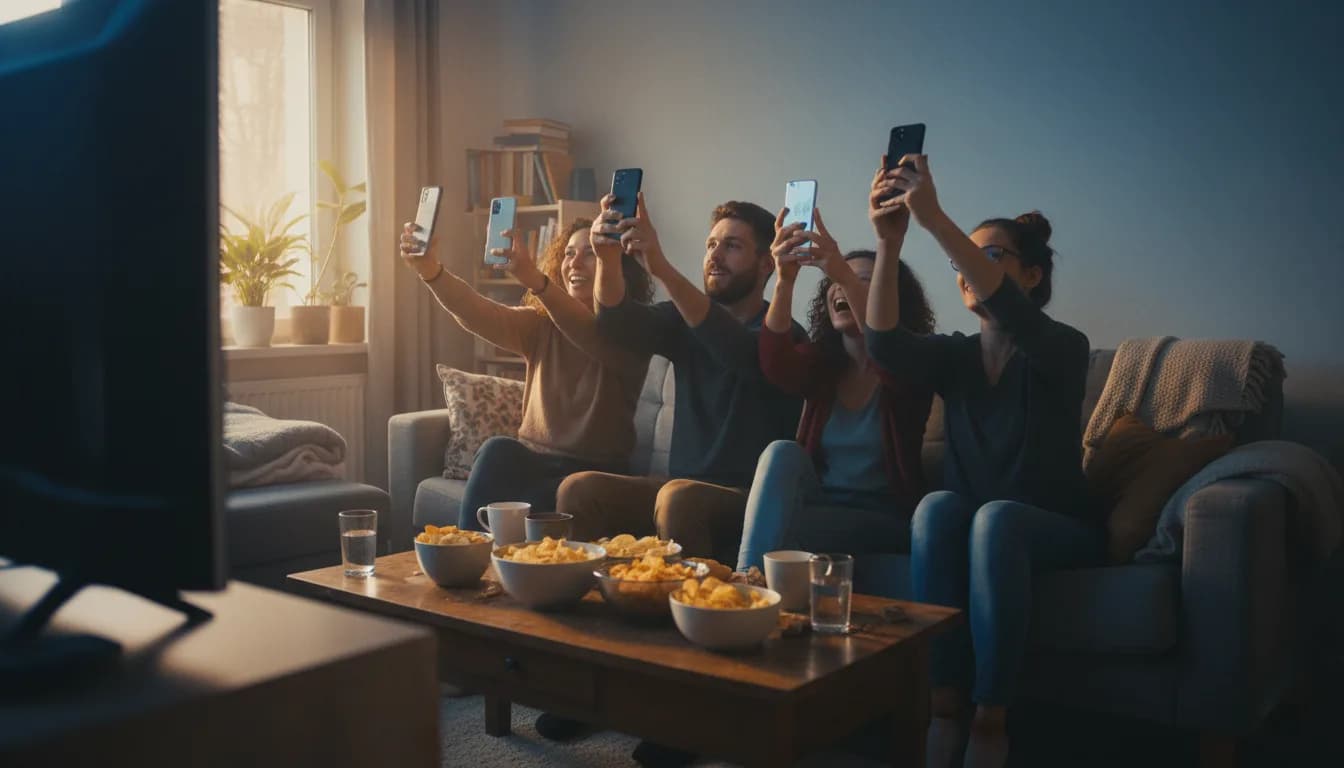
For a night with people in the room only one question matters: how many can play at once, and with what. A Bluetooth pad is one player. The remote is one player. Phones are as many players as there are people on the sofa. That is why the phone-controlled routes come first below and the cloud comes last.
BuzzinTV in the LG Content Store: installed in a minute
The app is that small because the game is not inside it. The whole show renders on our server and streams to the TV like video, and the phones talk to the same server. The LG receives a finished picture, so the TV's processor and the age of its browser engine do not matter. What you need is a steady connection: ordinary home Wi-Fi is enough in practice.
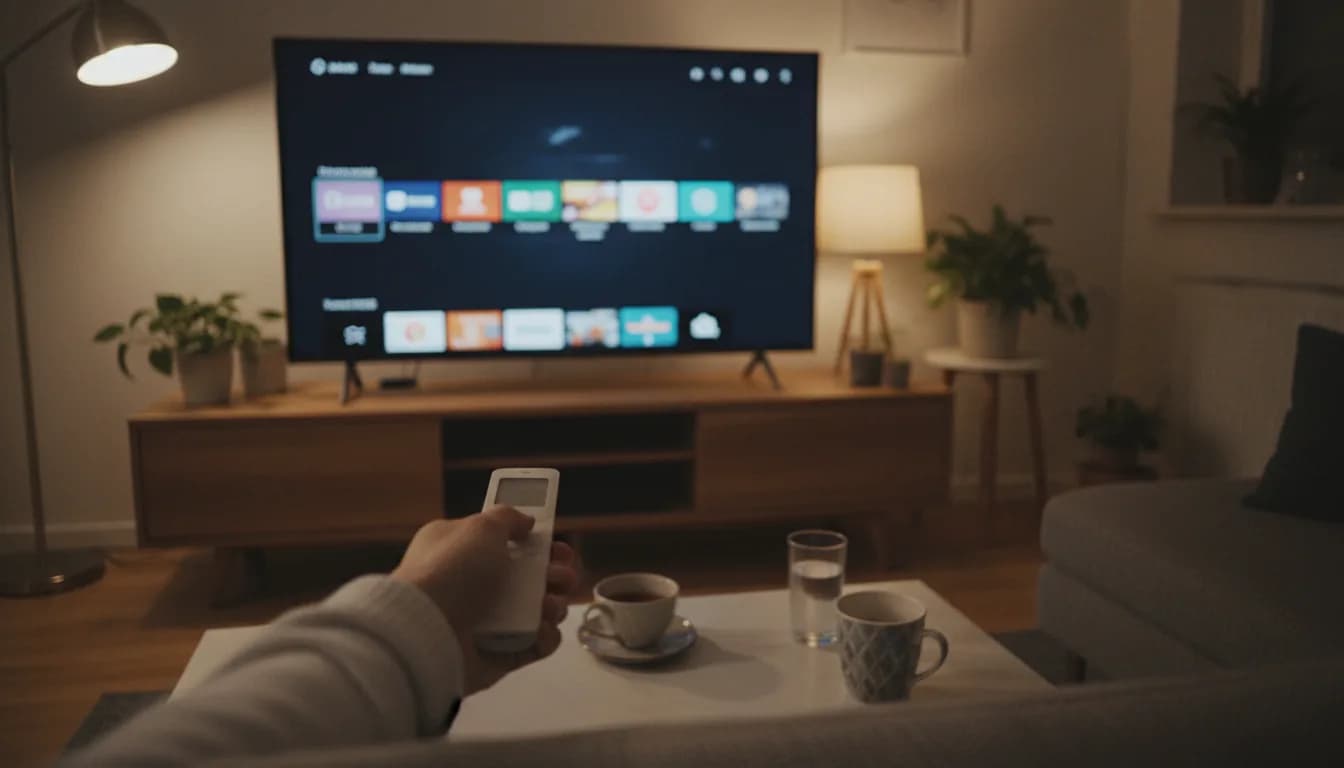
1Press Home on the Magic Remote and open the LG Content Store (on newer webOS versions it is simply called Apps).
2Search for BuzzinTV and pick the app published by Ravenlab. It is 2.3 MB, so it installs in seconds.
3Launch it from the app bar. A room code and a QR code appear on the screen.
4Every guest scans the QR code with the phone camera (or types the room code on the website), picks a nickname and is in. Nothing installs, nobody creates an account.
5Once at least two players have joined, press Start. From here the remote can go back on the table: the game is played from the phones.
6The Back button on the remote pauses the round and offers to leave the app, so an accidental press does not end the night.
Which LG model years run it
The store listing says it plainly: BuzzinTV supports 2022 models (webOS 22) and newer, so webOS 22, 23, 24 and 25. That is the same generation on which LG added the Xbox app and Chromecast built-in. You can read the year off the model number: on OLED sets the digit after the letter is the year (C2 is 2022, C3 is 2023, C4 is 2024, C5 is 2025), and the QNED and UHD ranges count up the same way.
If you are not sure, open Settings, then Support and About This TV, where the webOS version is listed. LG notes that app availability differs by country; at the time of writing the app is listed in the US, UK and German stores. If it does not show up on your set yet, the browser or Chromecast route further down gives the same result.
Older LG?
TVs from 2019 to 2021 (webOS 4.5 to 6.0) do not get BuzzinTV in the store, but they are not out: the section on older model years below has three ways in, none of which means buying new hardware.
What happens after you press Start
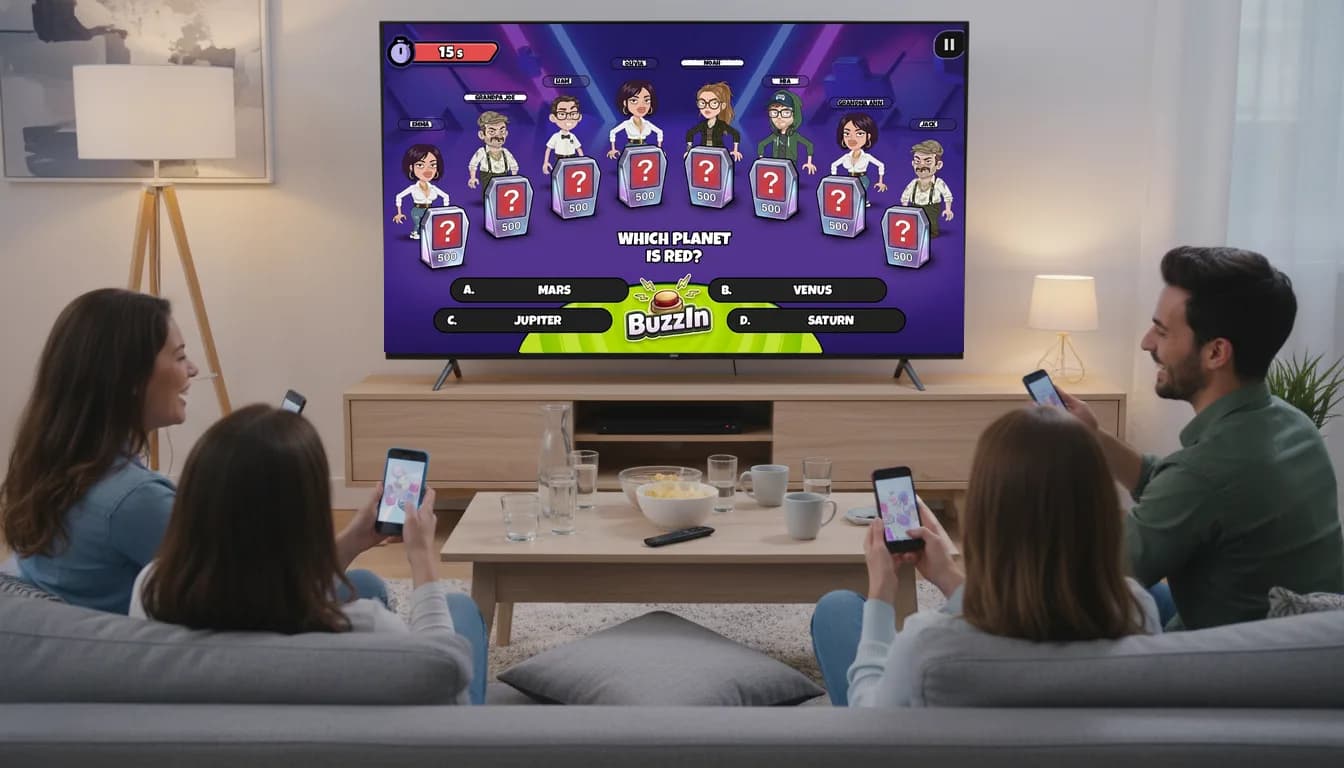
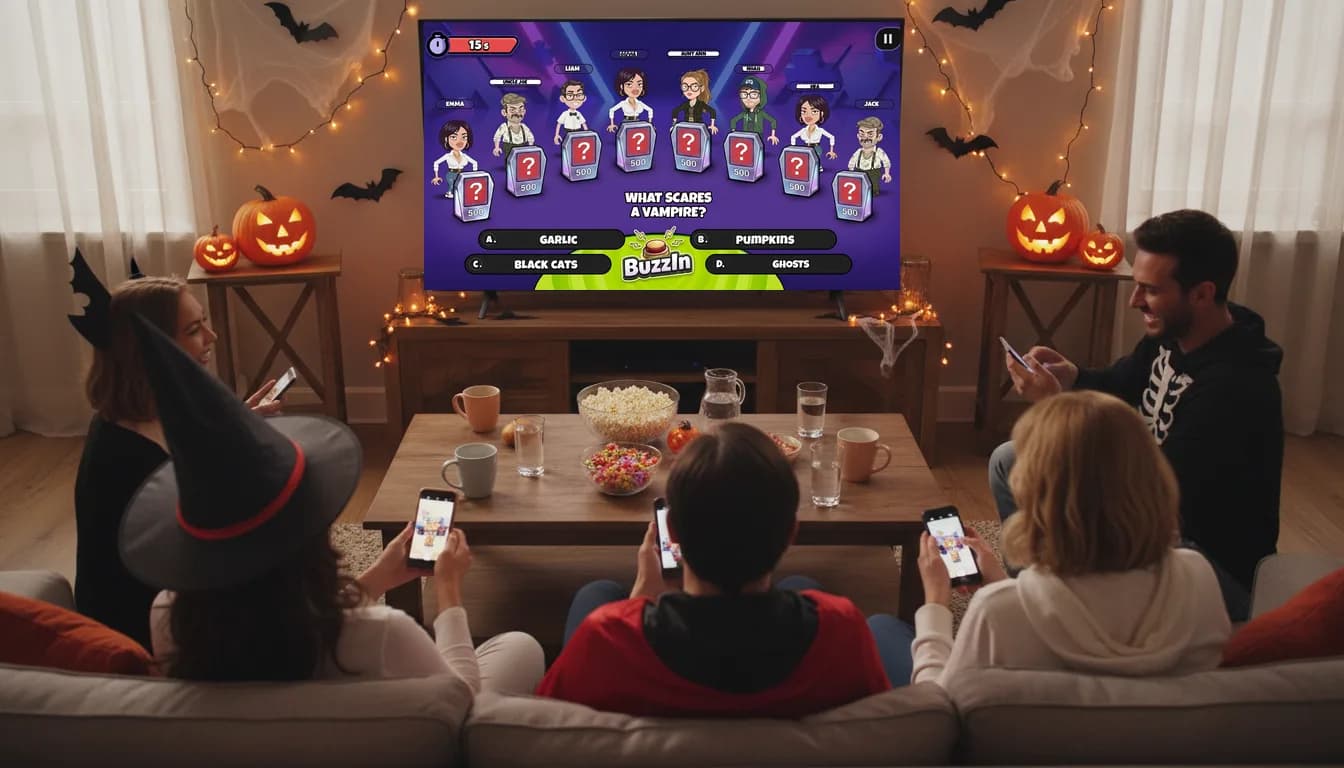
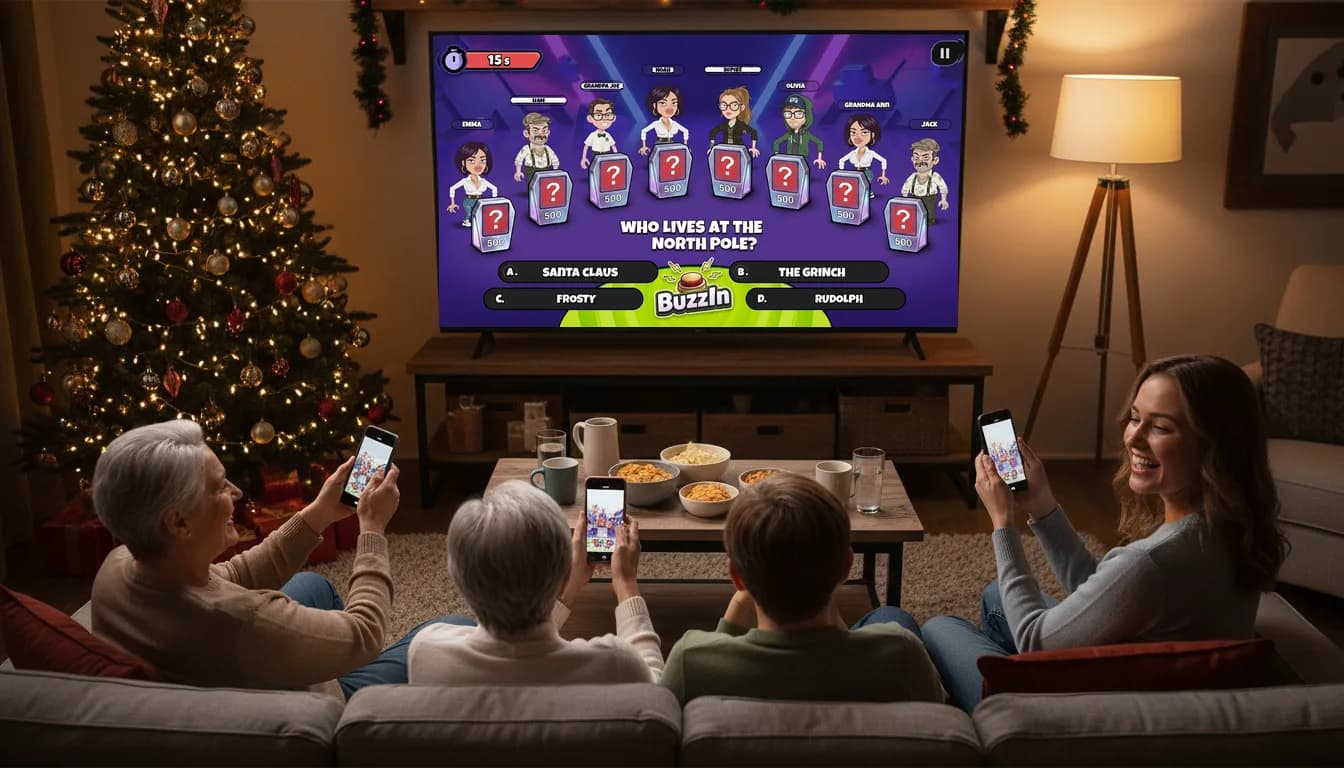
The TV is the stage. The big screen holds the player characters, the categories, the questions, a host voice that reads them out loud, the scoreboard and all the game-show trimmings you know from television. The phone is the control panel: it only shows what you need to press, the four answers, the buzzer, or the trick you use to slow down whoever is leading.
Games take 2 to 8 players. The show runs in English and in Polish, with separate content for each language, because questions are written for a market rather than translated. Besides the TV Show quiz, the same platform hosts Werewolves, a social deduction game for later in the night where the TV runs the game instead of a narrator. If you miss Knowledge is Power on the PlayStation, this is the same living-room setup without the console and without anyone downloading an app.
Jackbox on an LG TV: yes, but through the cloud
The most common smart TV question is whether you can play Jackbox on the TV without a console. On an LG the answer is yes, with an asterisk. The Content Store carries The Jackbox Party Starter, but the app is published by Blacknut, a cloud gaming service, not by Jackbox Games. It weighs 222 KB because, like ours, the game does not run on the TV; it is streamed from a server.
The bundle holds three games: Trivia Murder Party 2, Tee K.O. and Quiplash 3, for 1 to 8 players, with phones joining through jackbox.tv. The listing supports webOS 6.0 and up, which means 2021 models onward. The terms LG and Blacknut announced apply to the US: a free 30 minutes of play per TV, then a 2.99 USD monthly subscription. Outside the US the offer depends on how Blacknut operates in your country, so check inside the app before the party rather than during it.
Two catches worth knowing. The Party Starter is localised into French, Italian, German and Spanish, but everything else stays English. And the full Party Packs, from 1 to 11, are not in the LG Content Store: they reach a TV only through a console, a laptop or Netflix.
Netflix on the same LG: three Jackbox games in the membership
Since April 2026 the Netflix app on TVs includes The Jackbox Party Essentials: Drawful 2, Fibbage 4 and Quiplash 3. There is no charge beyond the membership, and phones join by scanning a QR code from the screen with the Netflix controller app. The US and the UK are on Netflix's list of countries where TV games are available.
If you have Netflix and a recent TV, this is the simplest way to Jackbox on an LG. It is also the best answer to the question in the heading: the games are the real thing, the phones are the controllers, and the TV does the rest.
Xbox, GeForce NOW and other cloud apps: great for one, awkward for eight
LG markets cloud gaming heavily: the Xbox app (webOS 24 or newer, with Game Pass Ultimate and a Bluetooth controller), GeForce NOW, Amazon Luna, Blacknut and Boosteroid. For a solo evening with Forza it works. For a party it does not, for one simple reason: the controls.
One Bluetooth pad is one player. Eight people means eight pads, and a TV pairs only a handful.
Cloud catalogues are console games, where a newcomer bounces off a pad with sixteen buttons long before they bounce off the game.
Every service is its own subscription, and a slow connection shows up immediately as lag between the pad and the screen.
The exception is party games streamed with phones as controllers (the Party Starter through Blacknut, BuzzinTV), because there any delay is in the picture, not in the moment you press an answer.
Older LG from 2019 to 2021: Chromecast, browser, HDMI
A TV from 2019 to 2021 will not get BuzzinTV from the store, but that is not a wall. Buzzin runs in a browser, so all that has to happen is getting the page onto the screen; the phones join exactly the same way, by QR code.
Chromecast built-in: LG added Google Cast with webOS 24 on 2024 models and in updates for some 2022 and 2023 sets. Older years need a Chromecast or another Google TV dongle plugged in.
The webOS browser: open playbuzzin.com, create a room, play. On the oldest sets the browser engine can be slow, which is why TVs identified as smart TVs are sent to the streamed version anyway.
A laptop on HDMI: the most reliable method on any TV, especially when the flat's Wi-Fi has moods.
Which route for which evening
The non-store routes are covered step by step in games to play on a TV without a console. Once you have played on your LG, drop by our Discord and tell us what you liked and what you would improve.
An LG from 2022 or newer and 2 to 8 people: BuzzinTV from the Content Store. One install on the TV, zero on the phones.
Netflix on the TV and a crowd that wants Quiplash: Jackbox Party Essentials, no extra cost.
You want Tee K.O. and Trivia Murder Party specifically and you are in the US: the Party Starter through Blacknut, with a free 30 minutes to test it.
One person, one pad, a big game: the Xbox app or GeForce NOW.
An LG from before 2022: browser, Chromecast or a laptop on HDMI, with the phones joining just the same.
Frequently asked questions
Can you play games on an LG Smart TV without a console?
Yes, in four ways: apps from the LG Content Store (including BuzzinTV and Jackbox's Party Starter), games inside the Netflix app, cloud gaming apps with a Bluetooth pad, and the browser, Chromecast or a laptop on HDMI. For a party the phone-controlled options work best, because only then do as many people play as are in the room.
Which LG TVs support BuzzinTV?
2022 models and newer, meaning webOS 22, 23, 24 and 25. You can check the webOS version under Settings, Support, About This TV. Older sets from 2019 to 2021 play through the browser, Chromecast or a laptop on HDMI.
Do guests have to install anything on their phones?
No. Everyone scans the QR code from the screen with the phone camera or types the room code on the website, picks a nickname and plays in the browser. No accounts, no app store, and it is the same on iPhone and Android.
Does Jackbox work on LG webOS?
Yes, in two ways. The Jackbox Party Starter is in the LG Content Store as a game streamed by Blacknut (webOS 6.0 and newer; in the US a free 30 minutes, then 2.99 USD a month). The Jackbox Party Essentials with Drawful 2, Fibbage 4 and Quiplash 3 is inside the Netflix app at no extra cost. The full Party Packs are not in the LG store.
How many people can play BuzzinTV at once?
2 to 8 players in one room, each from their own phone. The show runs in English and Polish, with questions written separately for each language.
Written by
Eryk Kruk · Buzzin Founder
I build Buzzin and test every one of these games at my own game nights. Got a question about this piece, or an idea for the next one? Write me: eryk@ravenlab.tech